Feature
GST billing and tax invoices for restaurants
KioSync creates GST tax invoices for paid orders, with your GSTIN, the CGST/SGST split and invoice numbers that follow the financial year, and exports the figures your CA needs.
GST tax invoices
Enter your GST profile once in the admin panel: your GSTIN, legal name and address. From then on, every paid order gets a GST tax invoice that carries those details and splits the tax into CGST and SGST.
Invoice numbers are given out once, when an order is paid, and run in sequence through the financial year, from 1 April to 31 March. The default format is INV/{FY}/00001, where {FY} is the financial year, for example INV/2026-27/00001. Outlets that aren’t GST-registered get a Bill of Supply instead of a tax invoice.
Per-item GST rates and GST-inclusive prices
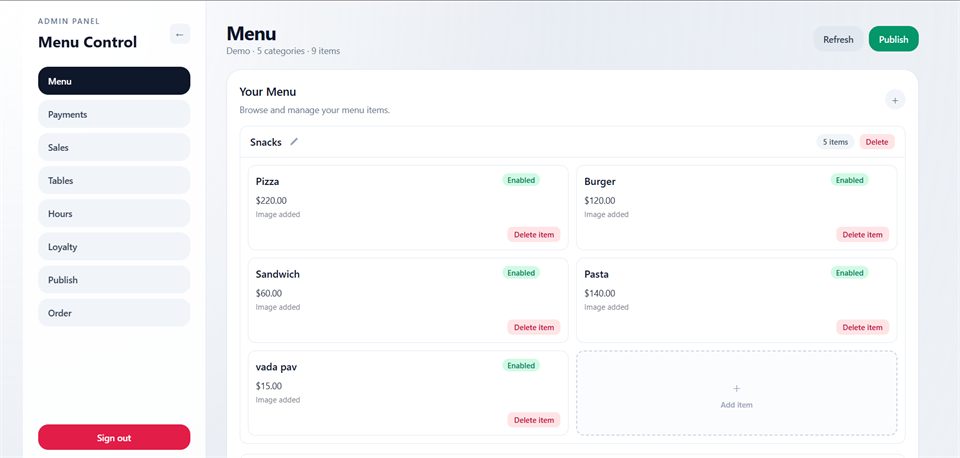
Set the GST rate on each menu item, so items taxed at different rates each carry their own rate on the same bill. Then choose how your menu prices work: GST-inclusive, where the menu price is what the guest pays, or GST added on top at checkout.
Whichever you choose, KioSync works out the tax on the server for every order, so the GST on a bill follows your menu settings rather than anything a guest’s phone sends.
Counter billing
Not every order starts at a table. The admin panel doubles as a counter POS: staff ring up orders at the counter for guests who walk up instead of scanning a QR code. Counter orders use the same menu, prices and GST settings as QR orders, and they go to the same kitchen display queue. That keeps one set of numbers for the day, whichever way guests ordered.
Every order also has a one-click receipt sized for 80 mm printers, which you can print straight from the browser.
Record how each bill was paid
When a guest pays at the counter, staff mark the order paid and record how: cash, UPI, card, net banking, wallet, EMI or other. Marking an order paid also finalises its bill, and the payment method goes into your CA’s export.
These are labels for your records, not a link to a payment device: KioSync has no card-machine or UPI soundbox integration today. Online payments through your own gateway are marked paid on their own once the gateway confirms them; see payments.
Every order, from a table or the counter, appears in one orders list in the admin panel with its payment and kitchen status, and you can filter it by today, the last 7 days or all orders.
Exports and reports
Download a CSV for your CA with each invoice’s number, taxable value, CGST, SGST, total and payment method. The export is part of GST billing on every plan.
On the Basic and Pro plans, sales analytics adds sales summaries, trends over time, item-wise sales and hourly sales, so you can see which dishes sell and when you are busiest. Manager logins can’t see sales figures.
Printed bills
With the KioSync Windows app, the bill prints on your thermal printer once an order is paid. The thermal bill shows your restaurant’s name, the order number, the table, the time, the items, the invoice number and one line for the total GST; it doesn’t show your GSTIN or the CGST/SGST split today.
When a guest needs the full tax invoice, print the 80 mm receipt instead: it shows your GSTIN and the CGST/SGST split. With the Windows app, you can also reprint any KOT or bill from the admin panel.
Frequently asked questions
Does KioSync create GST tax invoices?
Yes. KioSync creates a GST tax invoice for every paid order, with your GSTIN, the CGST/SGST split and invoice numbers that run in sequence through the financial year.
Can my menu prices include GST?
Yes. In KioSync you choose whether menu prices include GST or whether GST is added on top.
My outlet isn’t GST-registered. Can I still bill?
Yes. If your outlet isn’t GST-registered, KioSync issues a Bill of Supply instead of a tax invoice.
Can I give my CA an export?
Yes. KioSync exports a CSV for your CA with the invoice number, taxable value, CGST, SGST, total and payment method.
Can different items have different GST rates?
Yes. You set a GST rate on each menu item, and KioSync applies it on the server for every order.
Can I send bills to guests on WhatsApp or SMS?
Not yet. KioSync can’t send bills to guests by WhatsApp, SMS or email today, and there is no digital bill on the guest’s phone.
Try KioSync free for 15 days
No card needed. We set up your trial with you: QR ordering, kitchen display and admin.